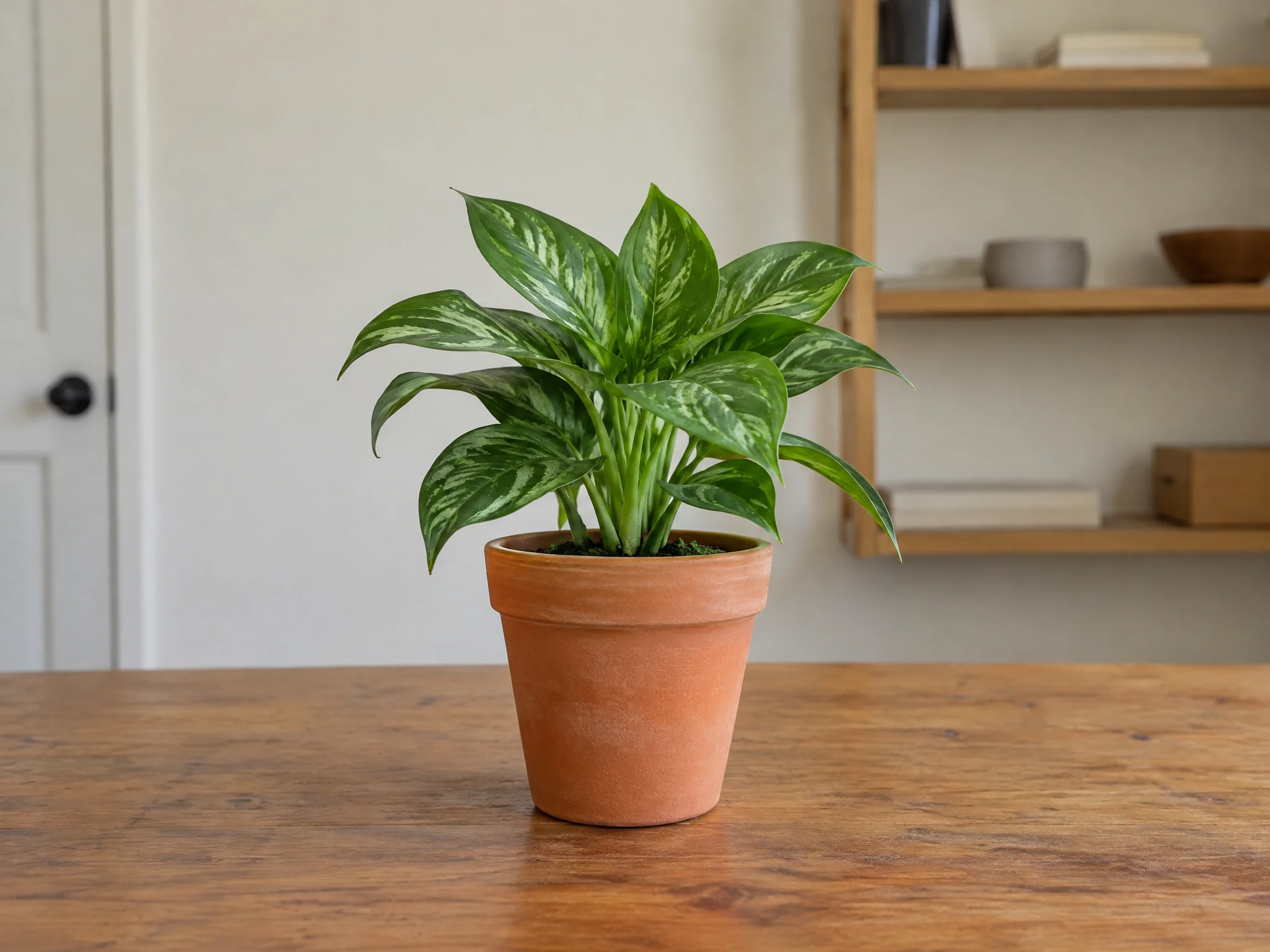
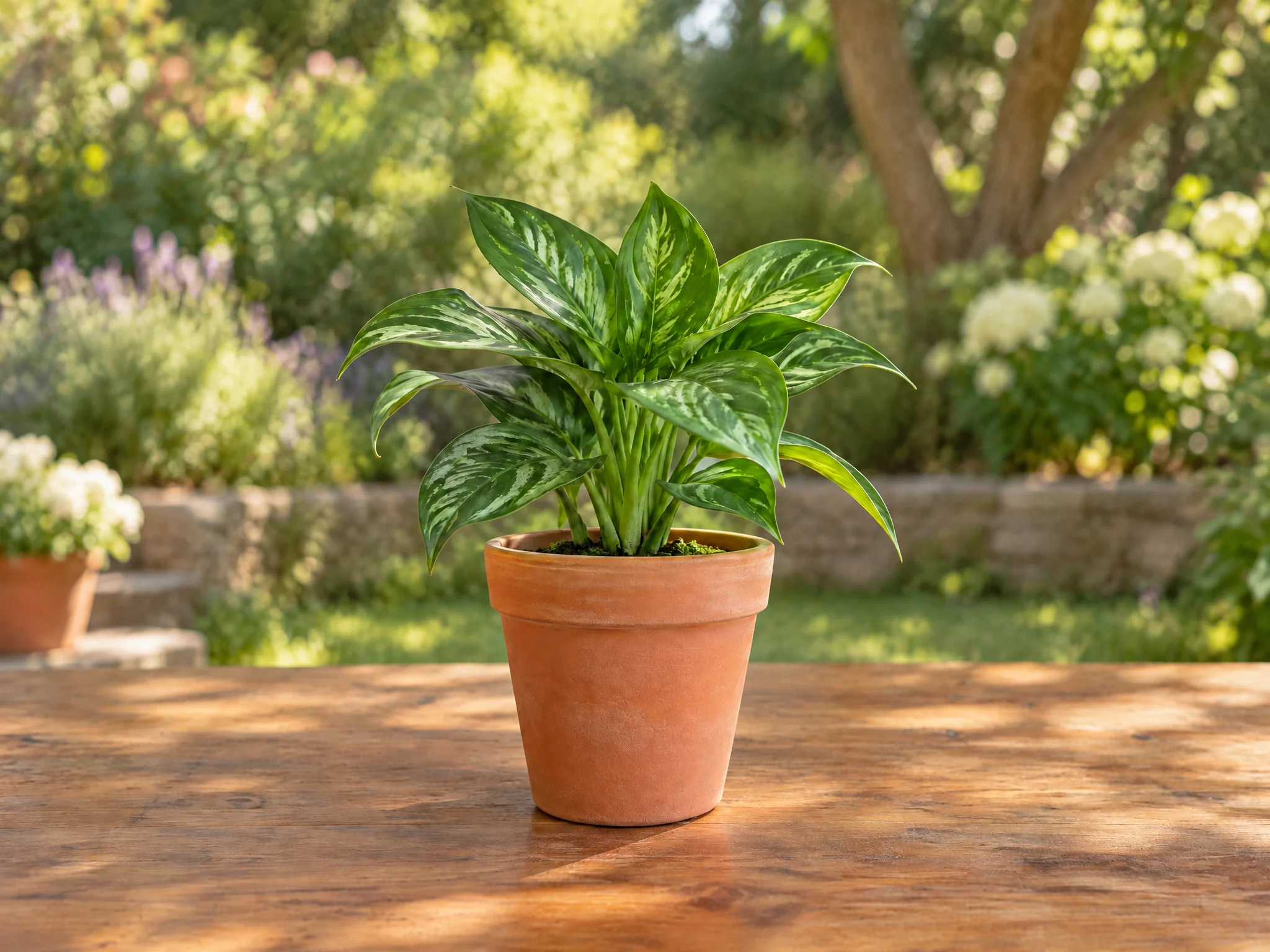
Upload a photo or sketch, describe what to keep and what to change, and generate a new 2K PNG. Try a product backdrop, a lifestyle scene or a different art style.
One 2K image based on your photo and requested changes.
One photo. A complete image set.
21 image sets
21 image sets to explore
Find your next image scene
Choose the look you want and make it with your photo.
28 scenes
28 scenes to explore
REFERENCE TO RESULT
How to generate an image from a reference
01
Choose your reference
Start with a photo, illustration or sketch you have permission to use. Pick one that clearly shows the subject and arrangement you want the model to work from.
02
Describe the new direction
Say what to keep and what to change: the subject, visual style, setting or lighting. Choose an aspect ratio. Each successfully delivered 2K generation uses 1 image.
03
Compare the new image
Review the result against your reference, especially faces, product shapes and framing. Download the approved image or refine your instructions for another generation.
Choosing a useful reference image
Make the subject easy to read
Use a sharp, well-lit reference with the important subject visible. A heavily cropped face, hidden product edge or busy background gives the model less reliable information to follow.
Style transfer and composition
For a style variation, describe a specific treatment such as watercolor, editorial photography or a clay illustration. To guide composition, name the subject position, camera angle and space to leave around it. The reference guides the layout rather than locking it in place.
Separate the anchor from the change
A useful instruction names both: keep the red bicycle in side view; place it on a quiet coastal road in soft morning light. Keeping the request focused makes different versions easier to compare.
Faces, logos and exact identity
Image-to-image generation interprets the whole reference. A face, logo, garment pattern or product dimension can change even when you ask to keep it. Review every result before publishing; use a precise editing workflow when exact identity or brand artwork is essential.
Create white-background and lifestyle product photos
Start with a sharp product photo that shows the outline, finish and label. For a white-background listing photo, ask for a centered item, even lighting and a subtle contact shadow. For a lifestyle image, describe where the product is used and the surface and light you want. In both cases, specify the packaging text and product details to keep. Before publishing, compare the result with your original and check the label, colors, proportions and included accessories.
Image-to-image generation uses an uploaded reference together with a text prompt to create a new image. The reference can guide the subject, composition or style; it is not a guarantee of an identical result.
Can I turn a photo into a different art style?
Yes. Upload the photo, name the style you want and describe which visible details matter. The model generates a new interpretation, so compare faces, shapes and colors before using it.
Will the person or product look exactly the same?
Exact identity is not guaranteed. Faces, logos, text and small product details can change. Choose a clear reference and inspect the full result, including areas you did not ask to change.
How does a reference generation use my allowance?
Each successfully delivered 2K generation uses 1 image from your allowance. A new generation is a separate request, even when it uses the same reference.
Where do my reference and generated image go?
When you generate, your reference and prompt are sent to the image provider for processing. Approved results are saved privately to your account and can be downloaded from your creations.